CodeFlow
Commands Flow, Intelligence Follows.
One person + one AI team = shipping real products. Control from your phone, execute on PC, collaborate through files.





Architecture
Three platforms, one protocol, zero databases.
Phone (PWA)
Send tasks, view status, QR bind. Works offline. Add to home screen.
Desktop (EXE)
Patrol agents, auto-nudge stuck tasks, self-heal Cursor freezes, relay bridge.
MCP Plugin
Init teams, send tasks, read reports — all from Cursor chat. No copy-paste.
How It Works
You → Phone
Task → Relay
PC receives
PM dispatches
Team executes
You review
Key Features
Everything you need to run an AI team solo.
👁️ Agent Live Monitor — NEW in v2.11
See what your AI agents are doing in real-time from your phone. CDP extracts chat messages, classifies them, and streams summaries to PWA. Tap an agent card → instant live panel.
🔄 CDP Patrol Engine
Chrome DevTools Protocol reads Cursor DOM in 10ms — 60× faster than OCR. Auto-switches agents, detects busy states, sends messages. OCR as graceful fallback.
📋 Team Templates
dev-team, media-team, mvp-team. One MCP call to init.
📁 Filename as Protocol
TASK-date-seq-Sender-to-Recipient.md — 7 fields, 0 databases.
📱 Mobile Control
PWA with bilingual UI, task categories, markdown viewer.
🔗 WebSocket Relay
Phone ↔ PC real-time sync. QR bind. Chunked transfer.
🌐 Bilingual i18n
Full EN + ZH across Desktop, PWA, and docs.
Screenshots
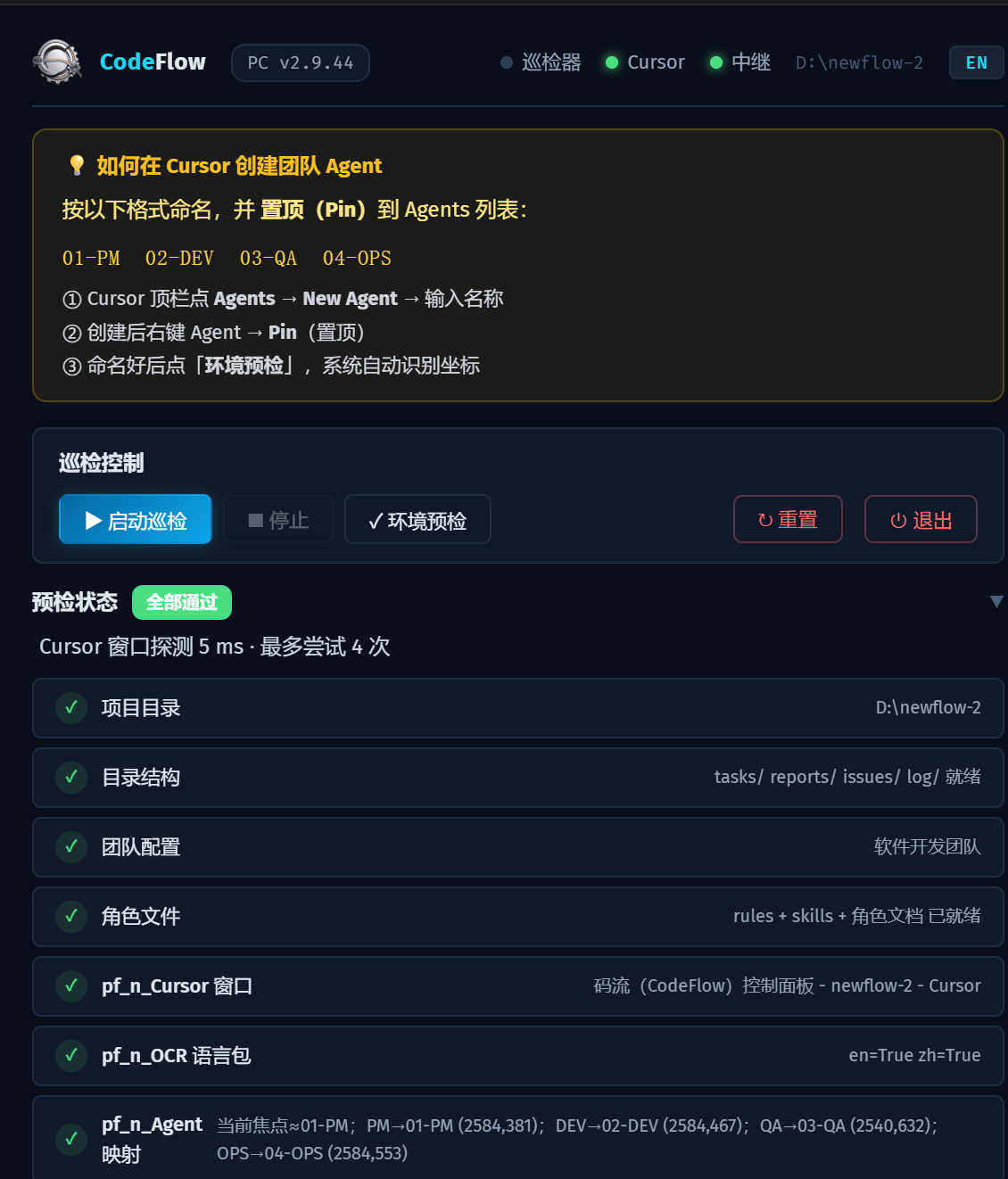
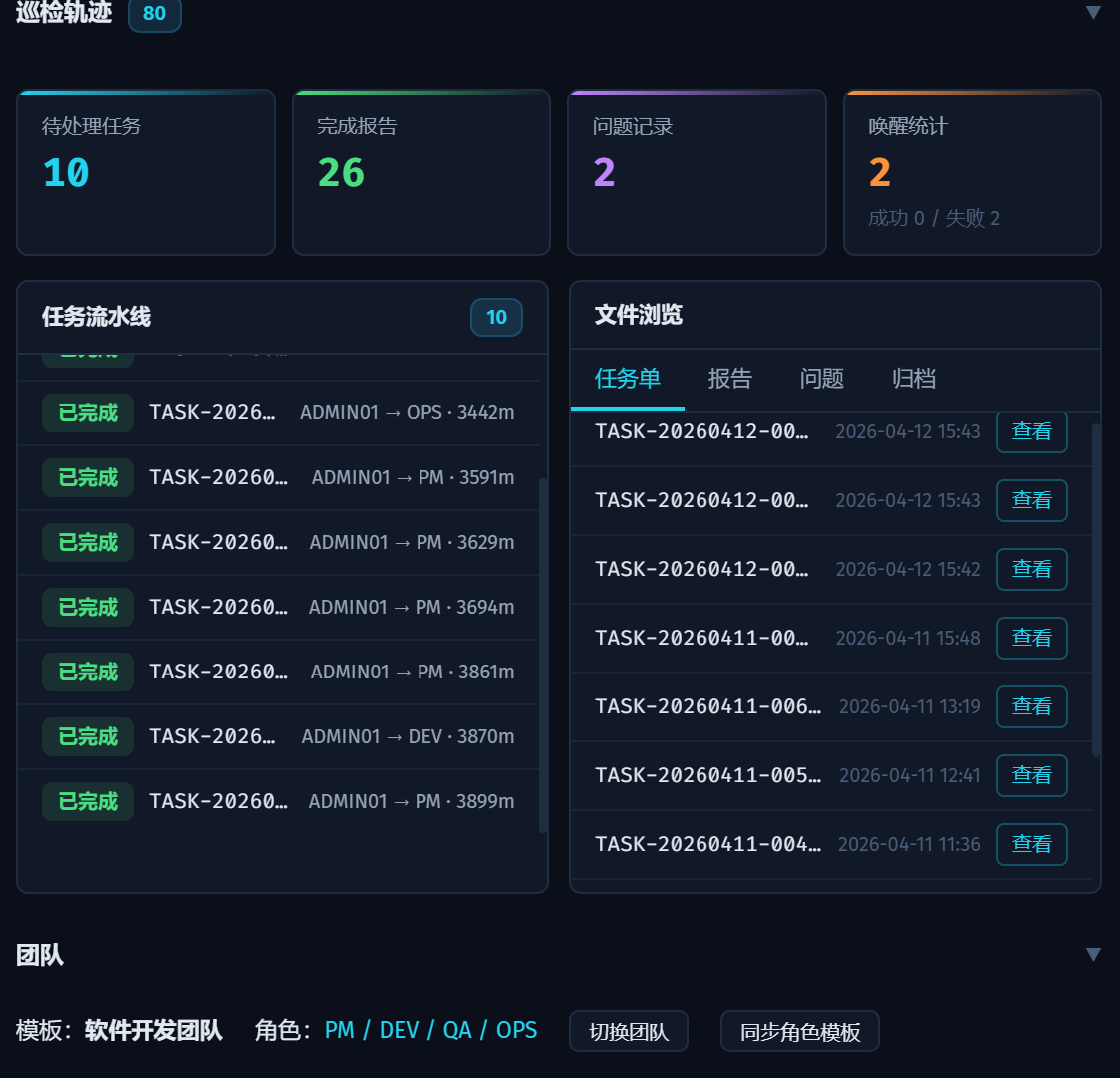
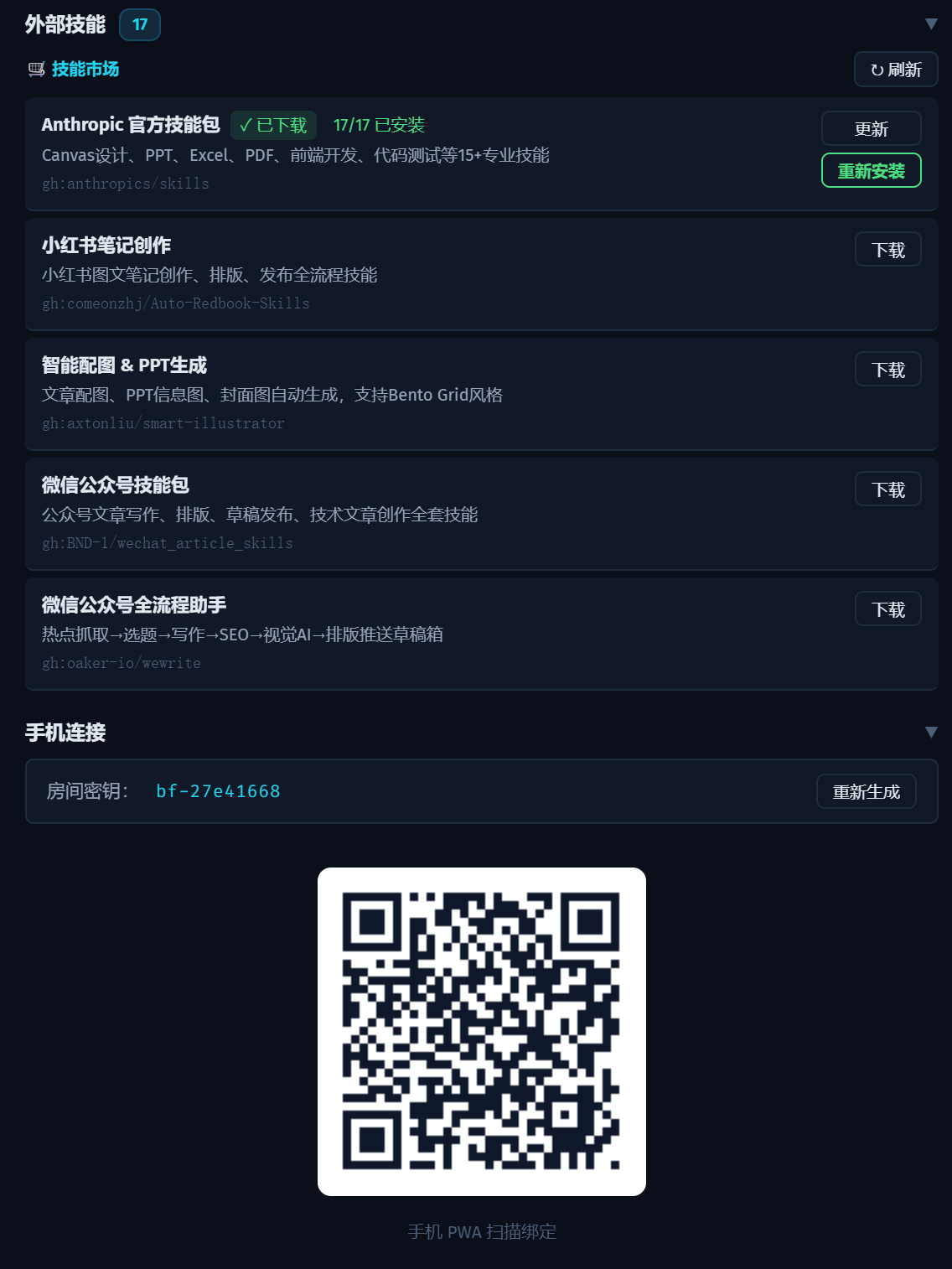
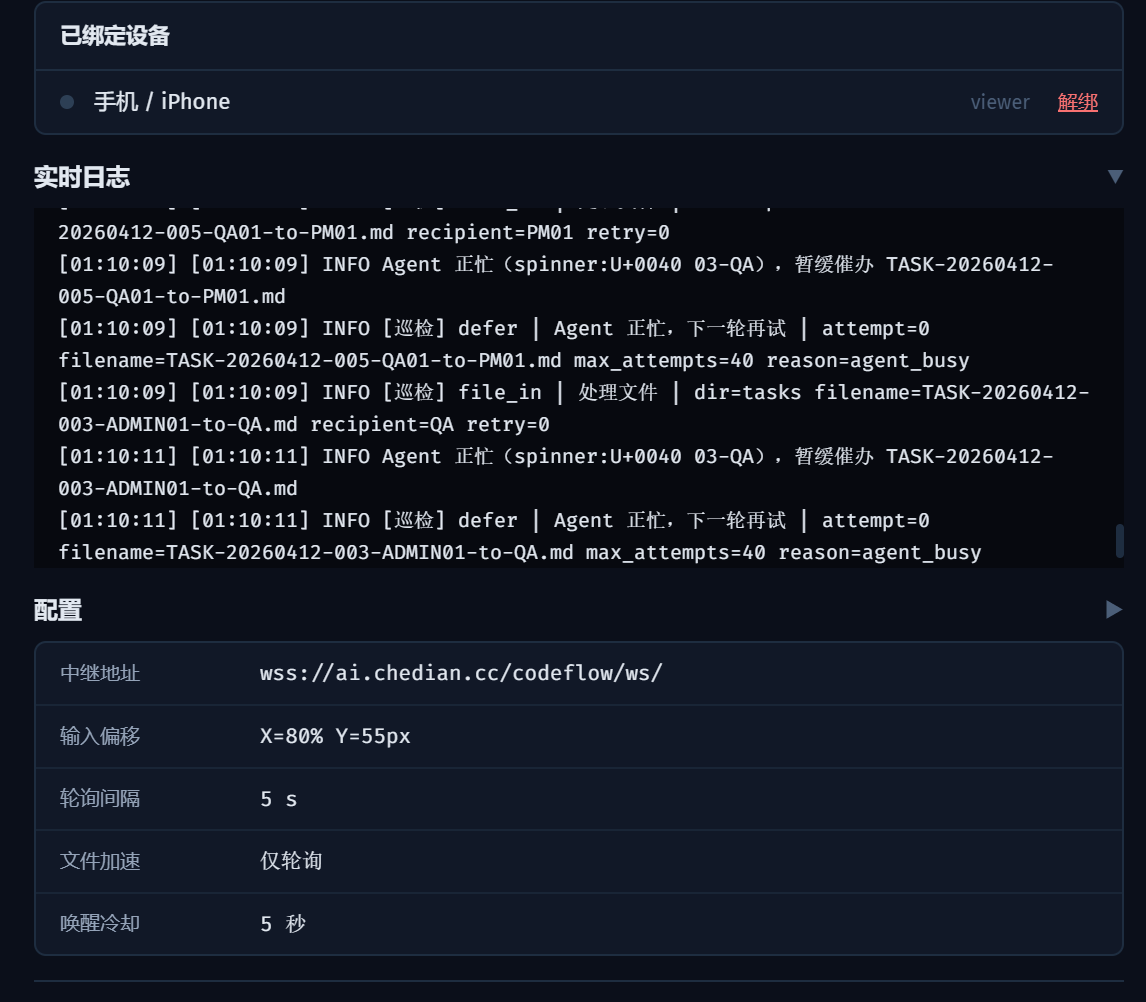
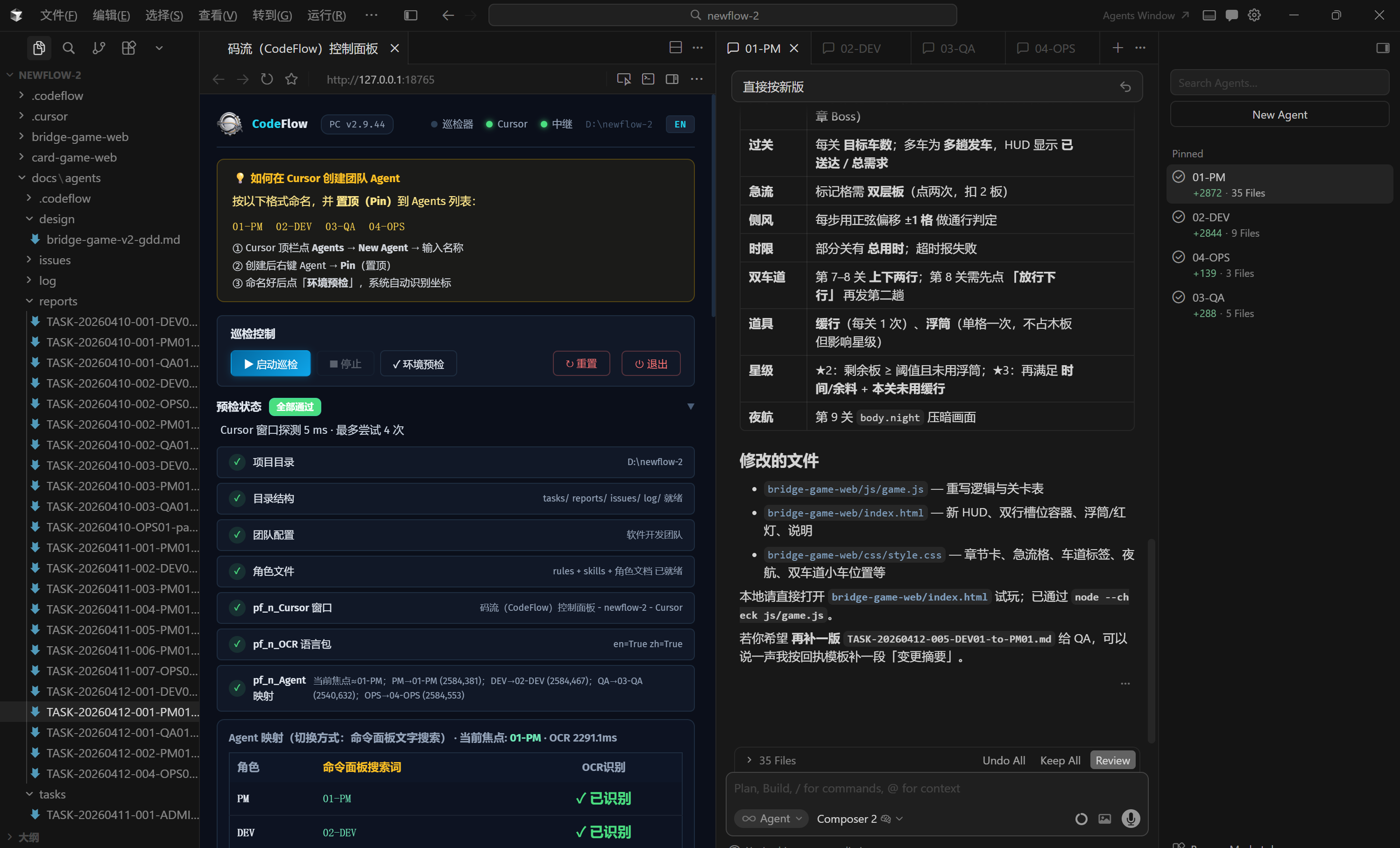
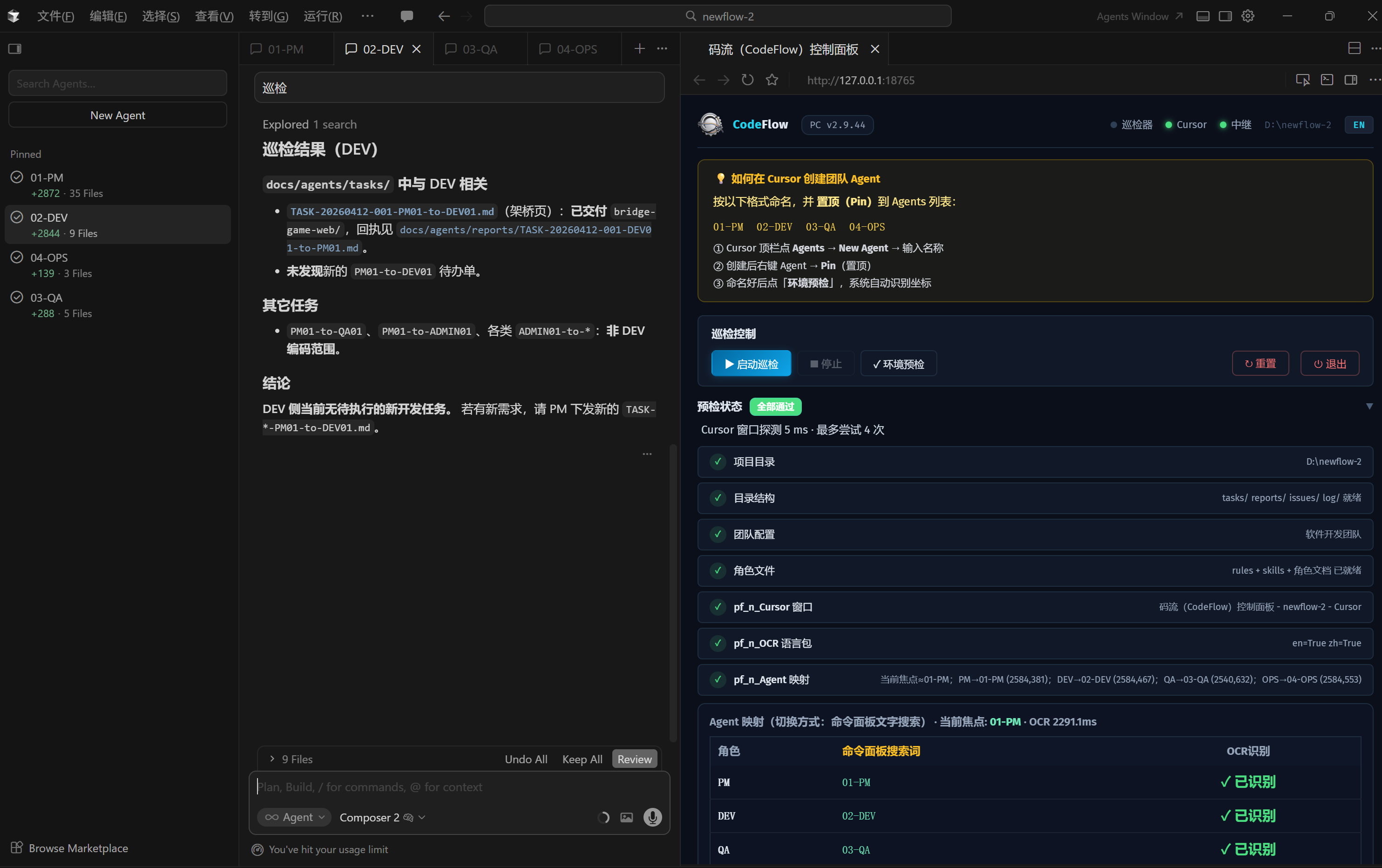
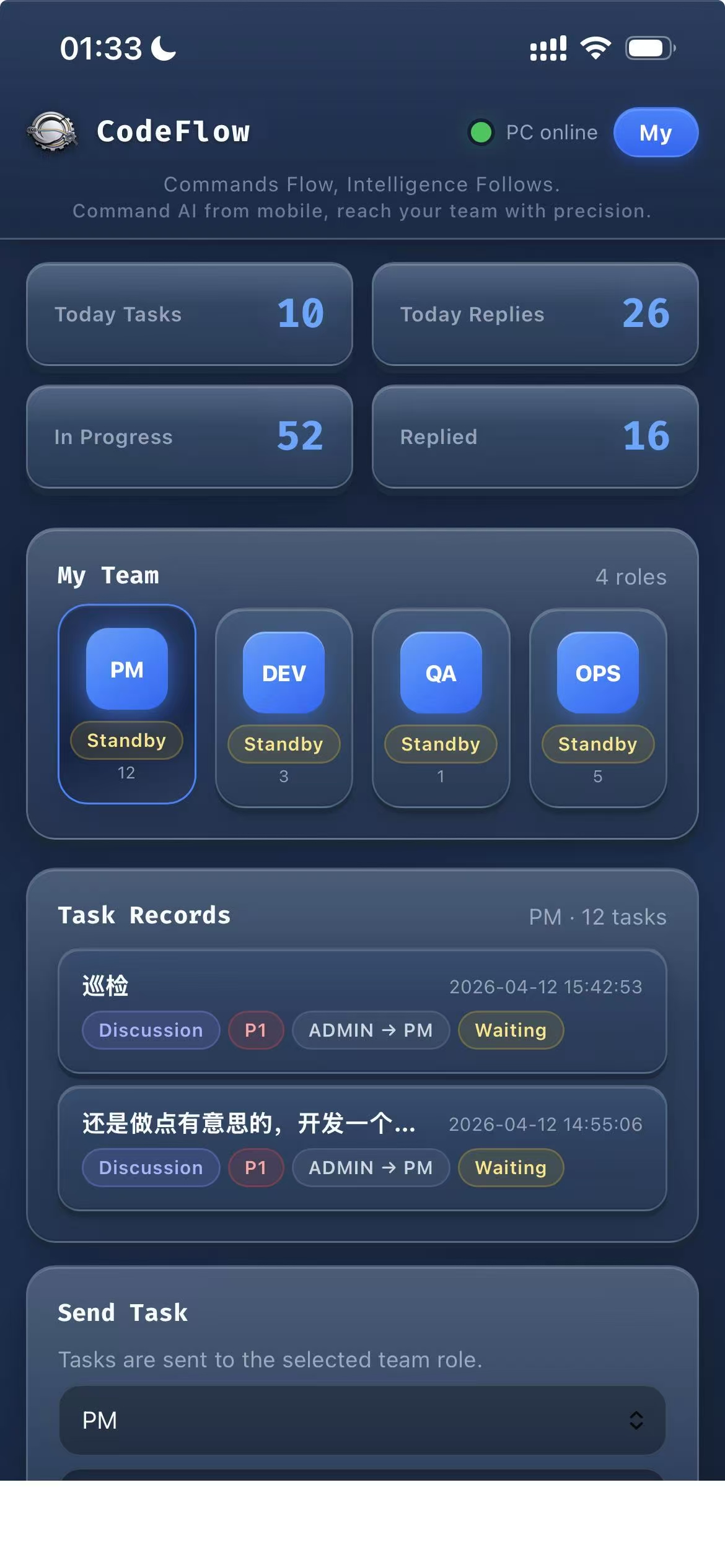
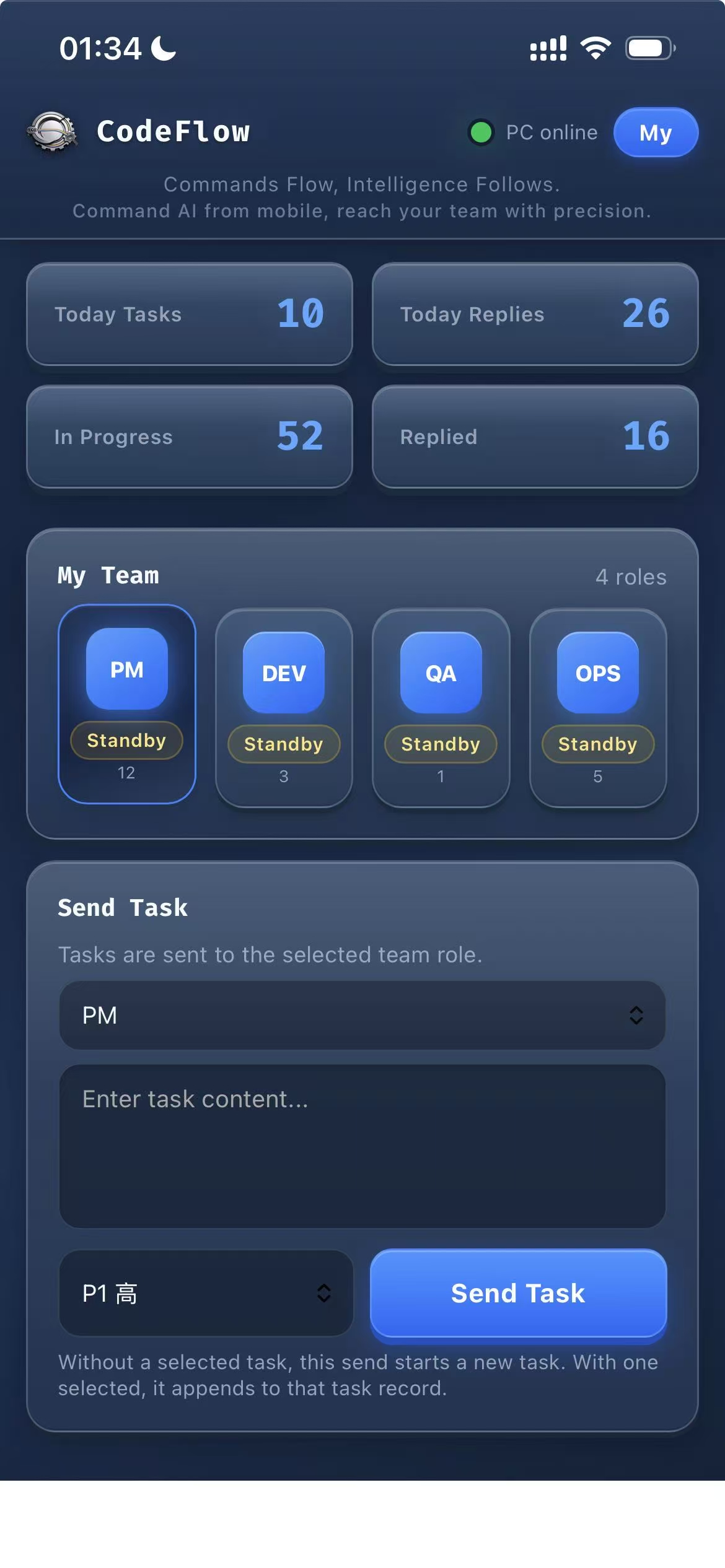
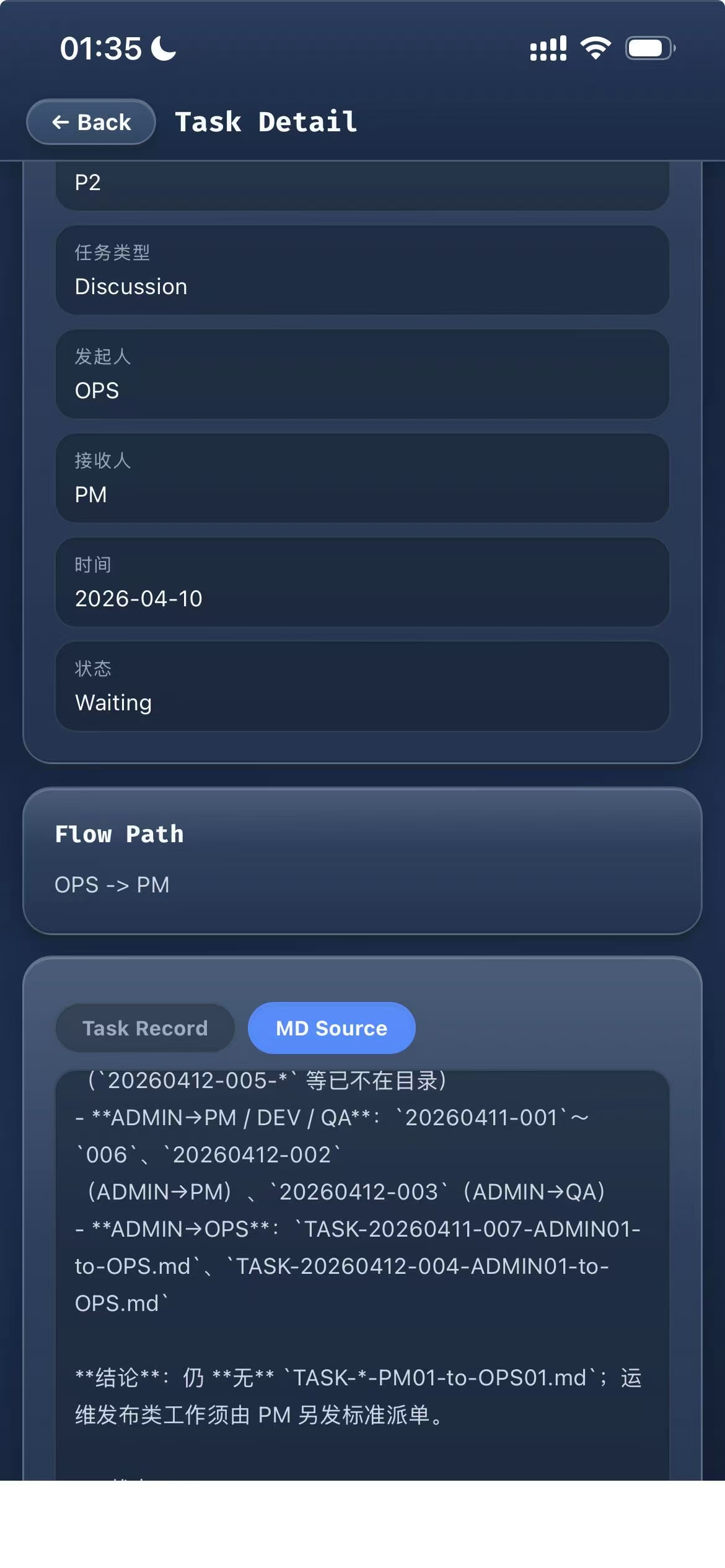
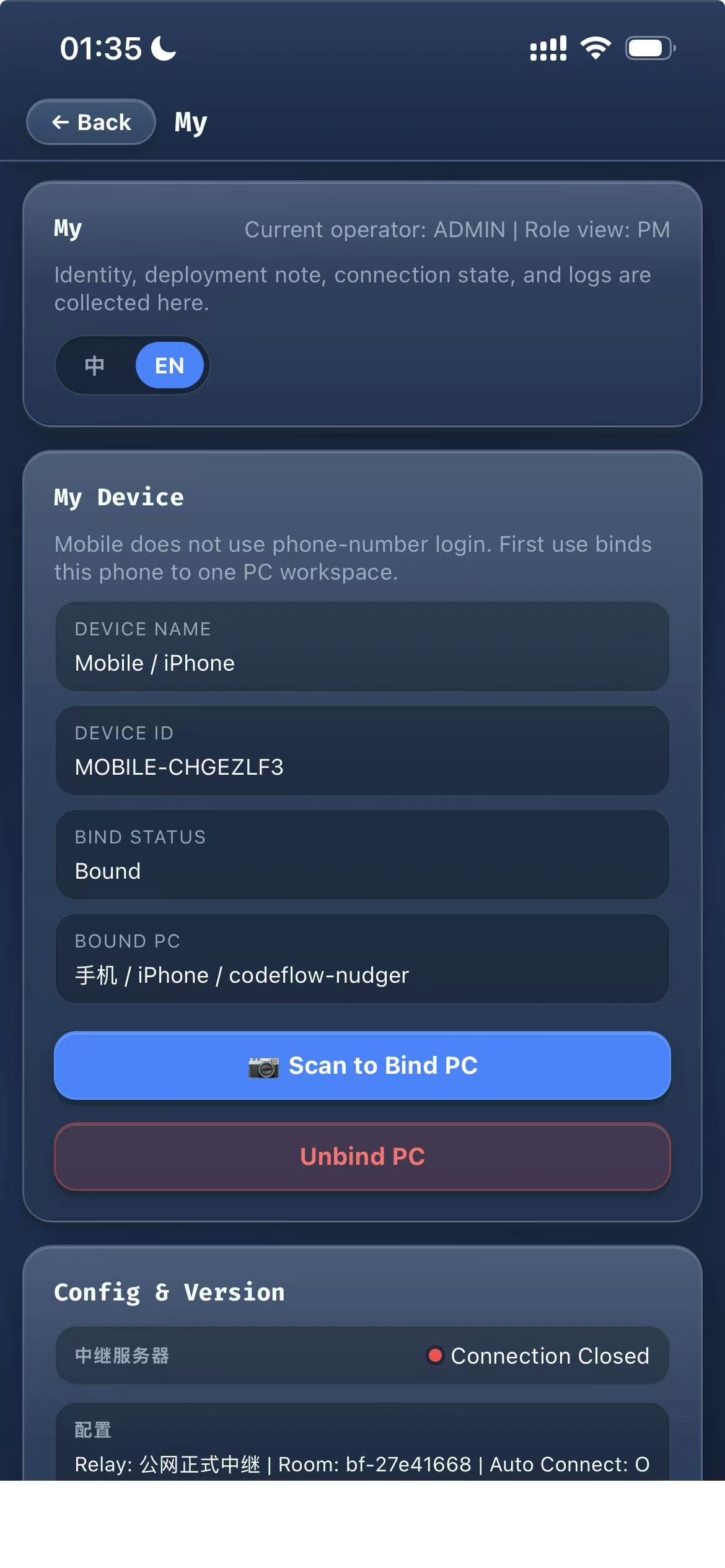
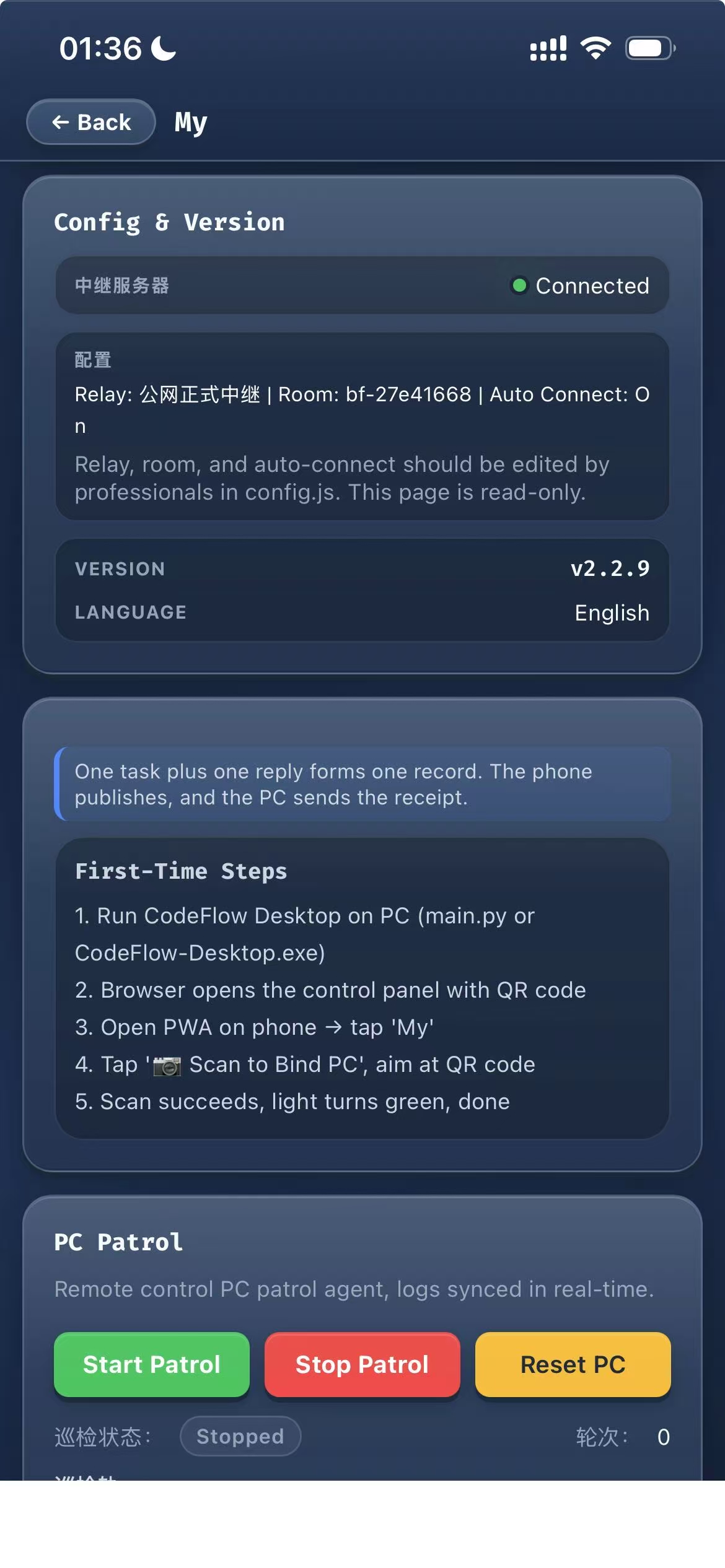
Core Innovation: Filename as Protocol
7 fields in one filename. 0 databases. 0 message queues. 0 lines of config code.
CDP Patrol Engine
Chrome DevTools Protocol — 60× faster, 100% accurate agent control.
🎯 Two-Layer DOM Scanning
Tab bar (div[role=tab] + aria-selected) for active agent, sidebar for overflow roles.
🖱️ Native Mouse Events
dispatchMouseEvent bypasses Electron/React. Real-time coordinates — never cached.
🔍 3-Layer Busy Detection
Stop button → Spinner → Status text. Three layers, zero false positives.
🛡️ Graceful Degradation
Every CDP step auto-falls back to OCR. Port down → OCR. Disconnected → OCR + auto-reconnect.
Team Templates
Pick a template, init in one command, start working.
Full-stack development
Content & media
Startup MVP
From Methodology to Product
We published How to Build an Automated AI Team in Cursor — then built the tool to make it real.
Quick Start
3 steps, 2 minutes.
2. Double-click → opens Cursor + control panel
3. Scan QR on phone → bind → send first task